Action pose reference
Action pose reference: run, jump, fall, climb
Real movement happens between the poses we remember. These action references include hand-built key poses and frames captured from real people mid-motion, so you can choose the exact moment that reads best.
 Front
Front 3/4 front
 Side
Side Back
BackAction poses
36 poses. Click a pose to see it from every angle, then open it in the 3D Studio to adjust and export it.
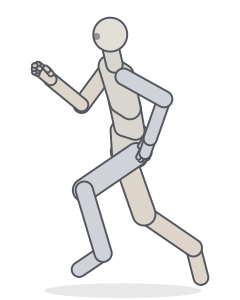 RunningRunning
 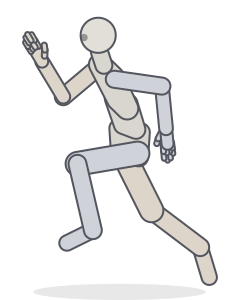 SprintRunning · Balance
 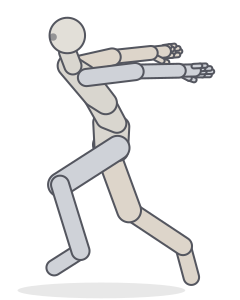 Ninja runRunning
 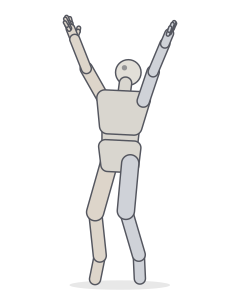 Jump, arms upJumping
 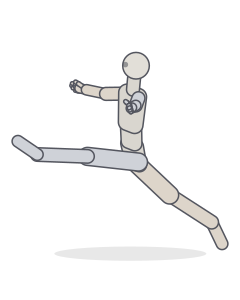 Split leapDancing · Jumping
 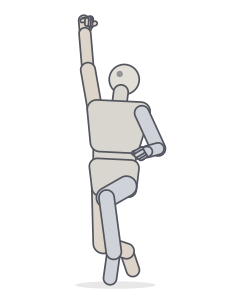 Victory jumpJumping
 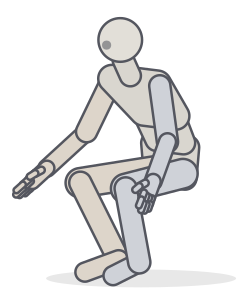 LandingJumping · Crouching
 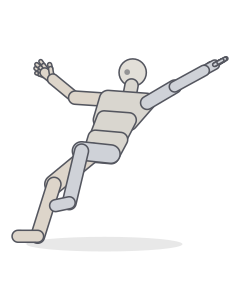 Falling backwardFalling
 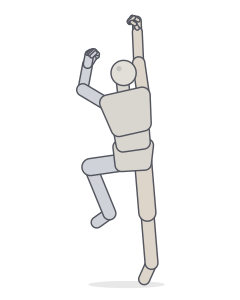 ClimbingClimbing
 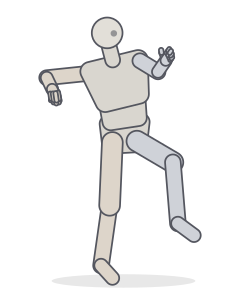 Throwing wind-upBalance · Fighting
 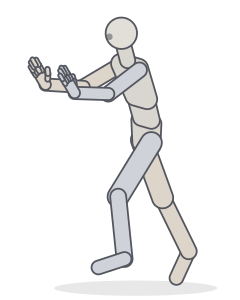 PushingBalance · Standing
 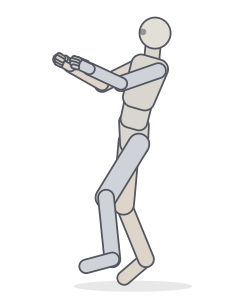 Pulling a ropeBalance · Carrying
 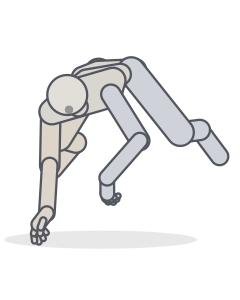 AirborneMotion capture
 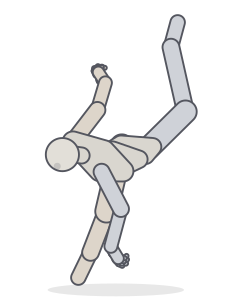 Jump and spin kickMotion capture
 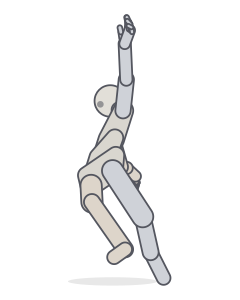 Spin/twirlMotion capture
 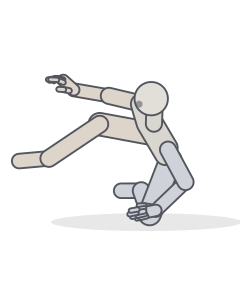 Run Dive Over Roll RunMotion capture
 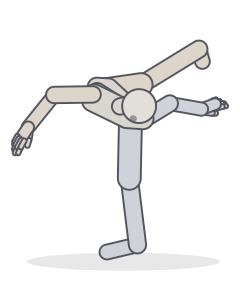 Jump with kick and spinMotion capture
 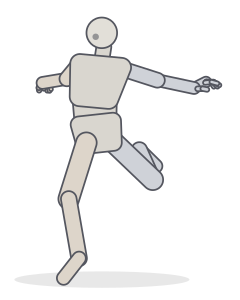 RunMotion capture
 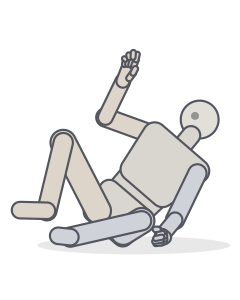 Run Dive Over Roll RunMotion capture
 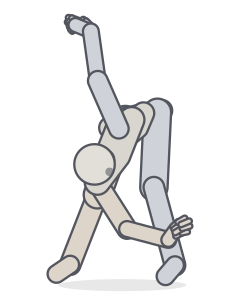 Stretches and jumpsMotion capture
 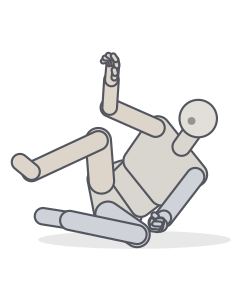 Run Dive Over Roll RunMotion capture
 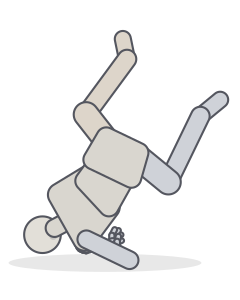 Run Dive Over Roll RunMotion capture
 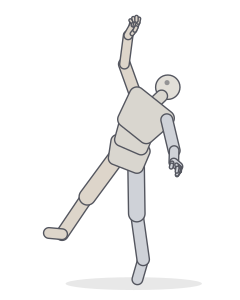 Jump up to grabMotion capture
 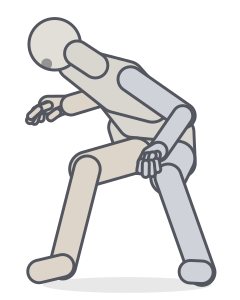 RunMotion capture
 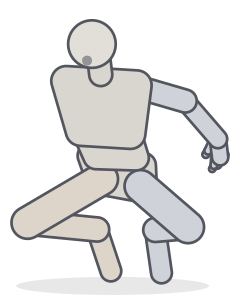 Jump up and downMotion capture
 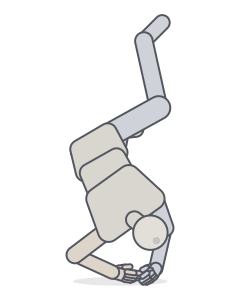 Run Dive Over Roll RunMotion capture
 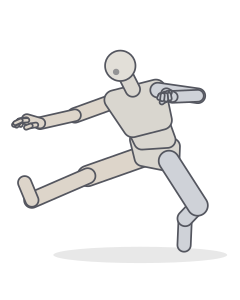 Jump StopMotion capture
 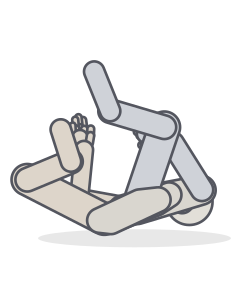 Run Dive Over Roll RunMotion capture
 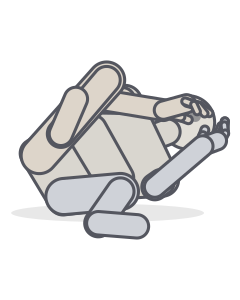 Run Roll UnderneathMotion capture
 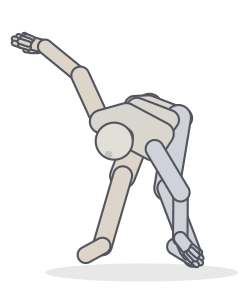 Stretches and jumpsMotion capture
 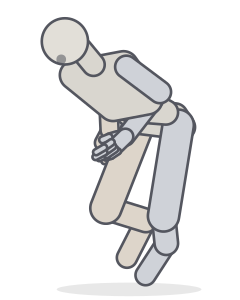 Run Duck UnderneathMotion capture
 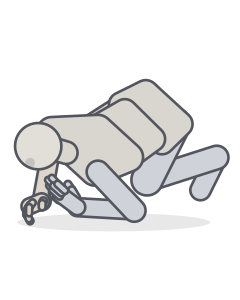 Run Roll UnderneathMotion capture
 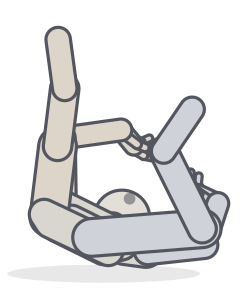 Run Dive Over Roll RunMotion capture
 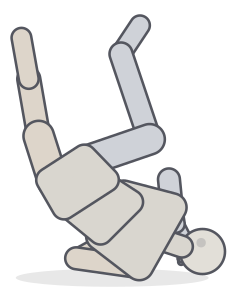 Run Dive Over Roll RunMotion capture
 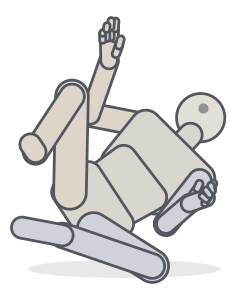 Run Dive Over Roll RunMotion capture
 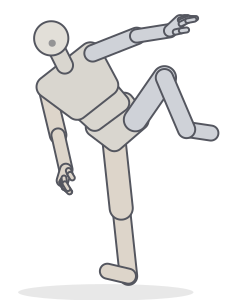 Singing in the rain jumpMotion capture
Includes poses derived from the CMU Graphics Lab Motion Capture Database (mocap.cs.cmu.edu), created with funding from NSF EIA-0196217.
Anticipation, action, follow-through
Every action has three phases. Anticipation loads the body: a crouch before a jump, an arm pulled back before a throw. Action is the release. Follow-through is the body catching up: the trailing leg, the arm swinging past. Drawing the anticipation or follow-through often reads more dynamically than the action itself.
Running and jumping
- The faster the run, the further the torso leans forward and the higher the knee drives.
- Arms swing opposite to legs: right arm forward with left leg.
- In the flight phase of a run both feet are off the ground; it’s the frame that reads as fastest (see running).
- Landings absorb force: knees bend deeply, arms reach forward for balance.
Frames from motion capture
The motion-capture poses in this gallery are single frames from recordings of real people running, jumping, climbing and falling. They include the slightly awkward, in-between moments that make action art look observed rather than invented.
Frequently asked questions
Which frame of an action should I draw?
Usually the extreme: the moment of greatest stretch or compression (the sprinter’s full stride, the crouch before a jump). In-between frames read as slower. The Studio timeline lets you scrub through a movement and pick the clearest frame.
What is the difference between action and dynamic poses?
Action poses are about the movement itself (running, jumping, falling). Dynamic poses are about how strongly a drawing communicates energy, through line of action, imbalance and camera. Our dynamic pose guide covers those principles.
Can I animate between action poses?
Yes. Set key poses on the timeline (T), and the Studio fills in the frames between them. Export as a GIF, an MP4 or a contact sheet for animation reference.
Keep practising
Make the exact pose you need
Start from any of these poses, then adjust joints, hands, body type and camera in the Studio. Export a PNG, a GIF or AI guide images.