Standing pose reference
Standing pose reference with real weight shift
A standing figure is never just standing. Use these 3D standing poses to study weight, balance and attitude, then turn them to the exact angle of your character.
 Front
Front 3/4 front
 Side
Side Back
BackStanding poses
30 poses. Click a pose to see it from every angle, then open it in the 3D Studio to adjust and export it.
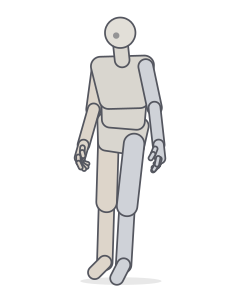 ContrappostoStanding · Relaxed
 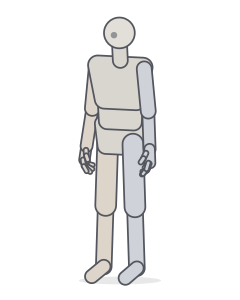 Neutral standingStanding
 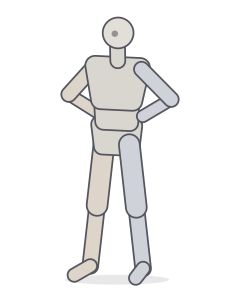 Hands on hipsStanding
 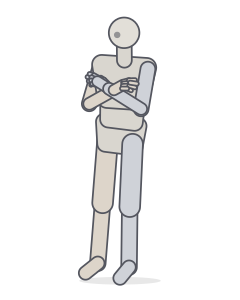 Arms crossedStanding · Relaxed
 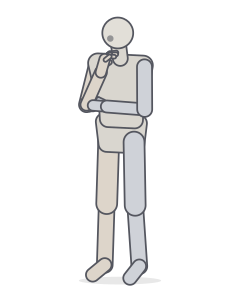 ThinkingStanding · Relaxed
 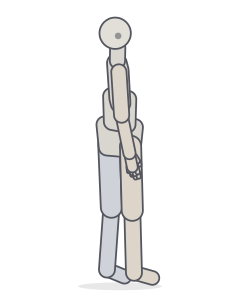 Looking over the shoulderStanding · Relaxed
 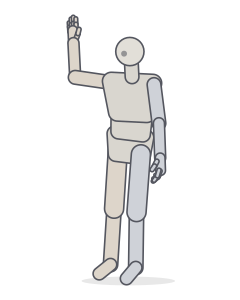 WavingStanding · Relaxed
 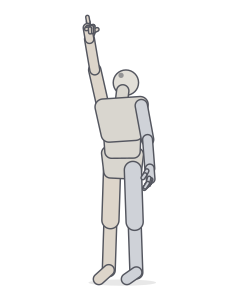 Pointing upPointing · Standing
 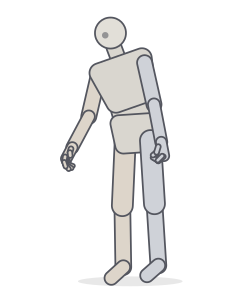 Carrying a heavy bagCarrying · Balance
 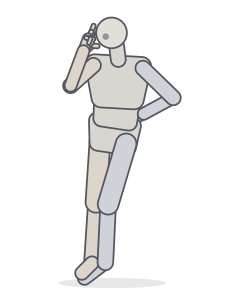 Peace signStanding · Relaxed
 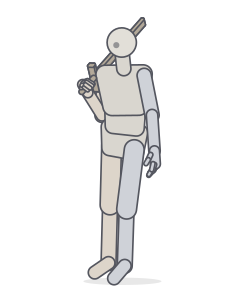 Sword on the shoulderStanding · Relaxed
 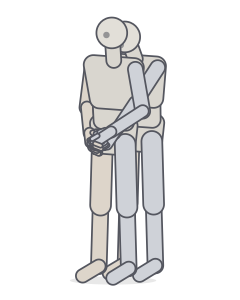 Back hugTwo people · Standing
 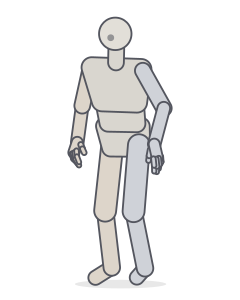 "I'm a little teapot..."Motion capture
 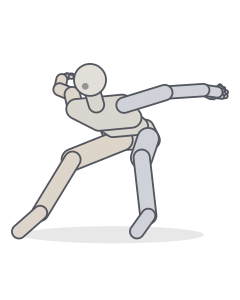 Motion capture poseMotion capture
 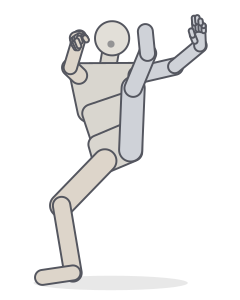 StandingMotion capture
 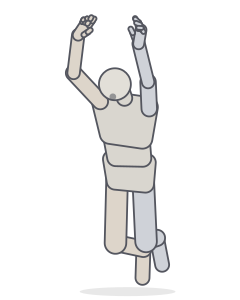 Grip barMotion capture
 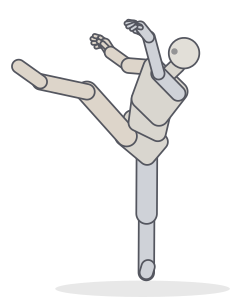 Rond de jambe in the airMotion capture
 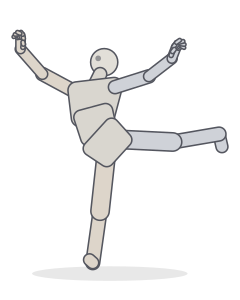 Attitude/arabesqueMotion capture
 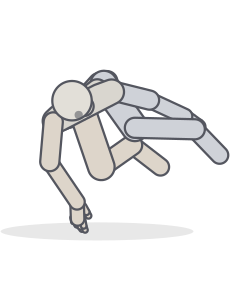 Motion capture poseMotion capture
 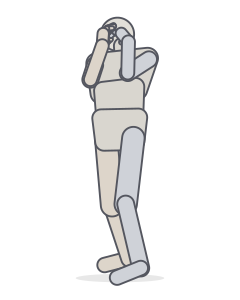 DinosaurMotion capture
 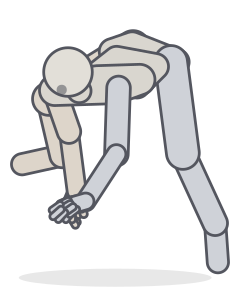 Motion capture poseMotion capture
 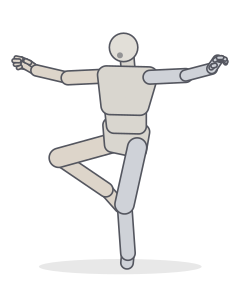 Retire derriereMotion capture
 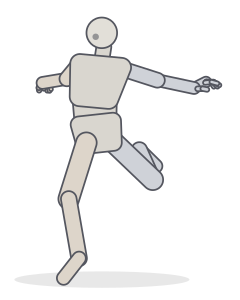 RunMotion capture
 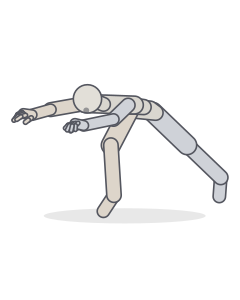 Mickey cast spellMotion capture
 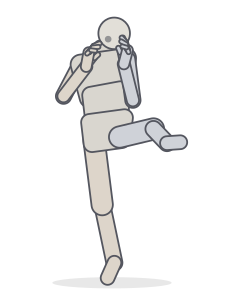 Left Front KickingMotion capture
 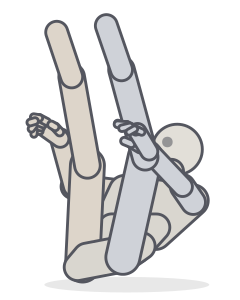 Motion capture poseMotion capture
 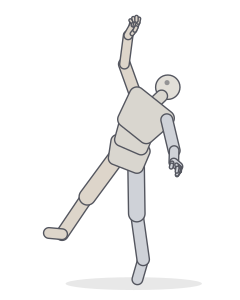 Jump up to grabMotion capture
 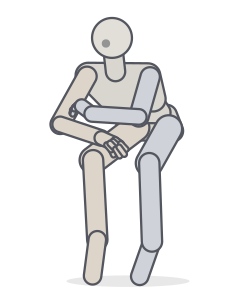 Motion capture poseMotion capture
 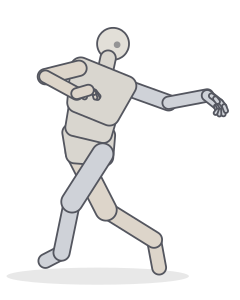 Indian danceMotion capture
 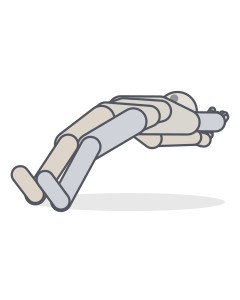 Back StrokeMotion capture
Includes poses derived from the CMU Graphics Lab Motion Capture Database (mocap.cs.cmu.edu), created with funding from NSF EIA-0196217.
Drawing a convincing standing pose
- Weight first. Decide which leg carries the body. That hip rises, the knee locks, and the foot sits under the head.
- Opposition. The shoulder line tilts against the hip line. Exaggerate it slightly; it reads as natural on paper.
- Attitude through the arms. Hands on hips push the elbows out and widen the silhouette; crossed arms close it. The same legs can read as confident or guarded depending on the arms alone.
- Turn it. Most standing references are photographed from the front. Turn the figure to a three-quarter or back view (like looking over the shoulder) to see how the twist runs through the torso.
Standing poses from real people
Motion-capture frames add the everyday standing poses that are hard to invent: mid-gesture while talking, shifting weight, turning to look. They’re a good antidote to the symmetrical “mannequin” stance.
Frequently asked questions
What is contrapposto?
A standing pose with the weight on one leg: the hip over the supporting leg rises, the shoulders tilt the opposite way and the spine forms a gentle S. It makes standing figures look alive instead of stiff.
How do I make a standing pose look less stiff?
Shift the weight onto one leg, tilt the shoulders against the hips, turn the head slightly and give the arms different jobs. Check the balance: the centre of mass should sit over the supporting foot.
Can I check whether my standing figure is balanced?
Yes. In the Studio, turn on “Centre line” in the Display panel. It drops a plumb line from the centre of mass; in a balanced standing pose it lands over the supporting foot or between the feet.
Keep practising
Make the exact pose you need
Start from any of these poses, then adjust joints, hands, body type and camera in the Studio. Export a PNG, a GIF or AI guide images.