Anime pose reference
Anime pose reference, in any proportion
Anime and manga poses are clear, exaggerated and readable at a glance, and the characters rarely have realistic proportions. Here each pose comes on a 3D mannequin whose body you can switch from standard to heroic or chibi.
 Front
Front 3/4 front
 Side
Side Back
BackAnime poses (heroic proportions)
12 poses. Click a pose to see it from every angle, then open it in the 3D Studio to adjust and export it.
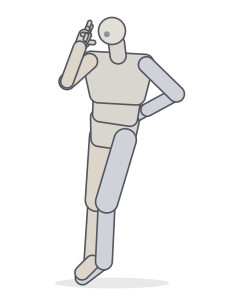 Peace signStanding · Relaxed
 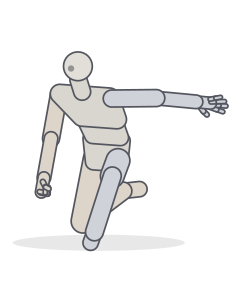 Hero landingKneeling · Crouching
 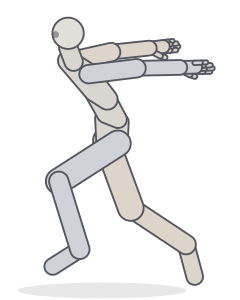 Ninja runRunning
 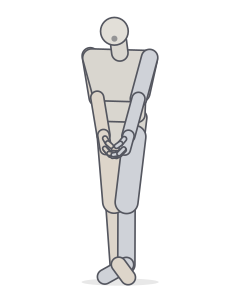 Shy poseStanding · Relaxed
 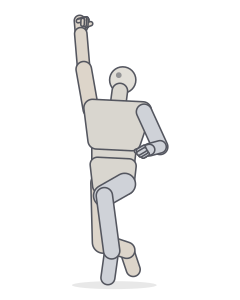 Victory jumpJumping
 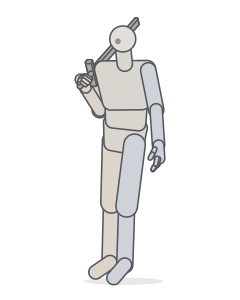 Sword on the shoulderStanding · Relaxed
 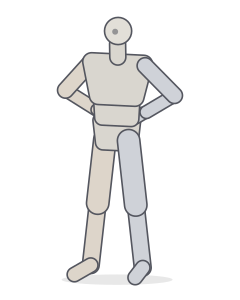 Hands on hipsStanding
 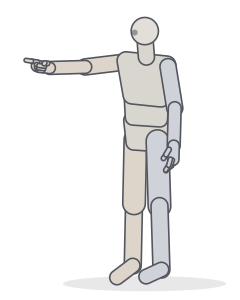 Pointing forwardPointing · Standing
 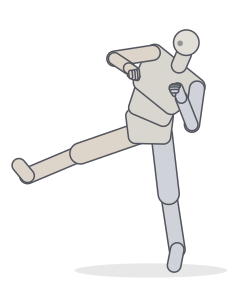 Side kickKicking · Fighting
 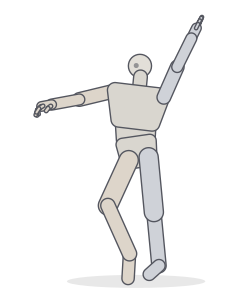 Dance, hip popDancing
 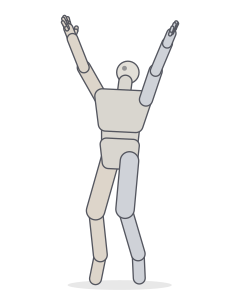 Jump, arms upJumping
 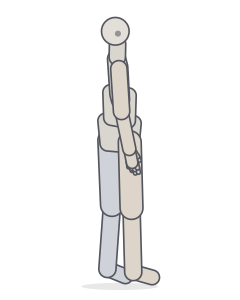 Looking over the shoulderStanding · Relaxed
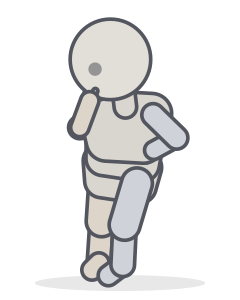
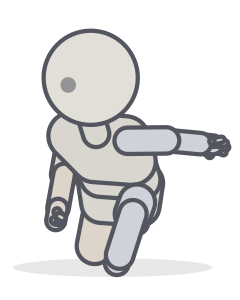
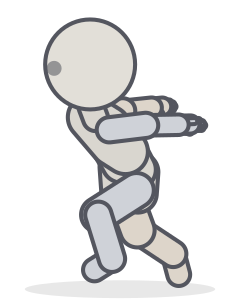
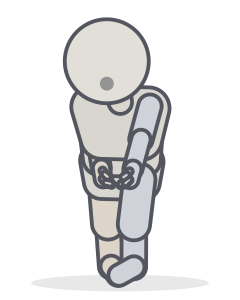
Chibi versions: same joint angles, different body
6 poses. Click a pose to see it from every angle, then open it in the 3D Studio to adjust and export it.
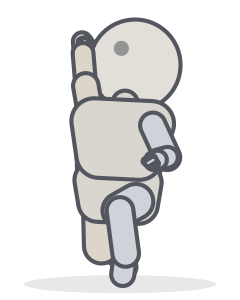
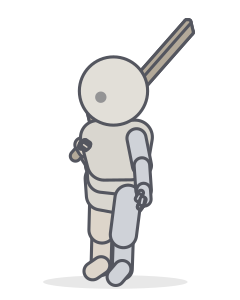
 Front
Front 3/4 front
 Side
Side Back
BackWhat makes a pose read as “anime”
- Iconic silhouettes. The hero landing, the ninja run or a peace sign are recognisable from their outline alone.
- Exaggeration. Leans are stronger, limbs are straighter or more bent, and hands are expressive. Switch off biological constraints in the Studio to push a pose further than a real body allows.
- Hands carry emotion. Clasped hands read as shy, a fist punching the sky as victory. Use the Hands panel to set the shape of each hand.
- Camera. Low angles make characters heroic, high angles cute or vulnerable. A wider field of view adds the dramatic perspective typical of action scenes.
Make your own
Open any pose in the Studio, choose the chibi or heroic body in the Body panel, then adjust joints, hands and camera. Export a PNG for your lineart, or an OpenPose map if you work with AI tools.
Frequently asked questions
What proportions do anime characters have?
It varies by style: many anime adults are 7–8 heads tall with long legs, while chibi characters are 2–3 heads tall with a large head and a small body. In the Studio’s Body panel you can choose a preset or set head size, leg length and build yourself.
Can I make a chibi version of a pose?
Yes. Open the pose in the Studio and choose the Chibi body type. The joint angles stay the same, and the proportions change around them.
How do I make an anime pose more dynamic?
Push the line of action, exaggerate the perspective with a wide camera angle (higher field of view) and make the silhouette readable. Turn on the Silhouette display mode to check it.
Keep practising
Make the exact pose you need
Start from any of these poses, then adjust joints, hands, body type and camera in the Studio. Export a PNG, a GIF or AI guide images.