Hand pose reference
Hand pose reference: every finger, every angle
Hands are the part most artists hide behind a back or a pocket. Here are the eight hand shapes you draw most often, close up from two angles, and full-body poses that use them. Every finger can be posed in the Studio.
 Front
Front 3/4 front
 Side
Side Back
BackPoses with expressive hands
12 poses. Click a pose to see it from every angle, then open it in the 3D Studio to adjust and export it.
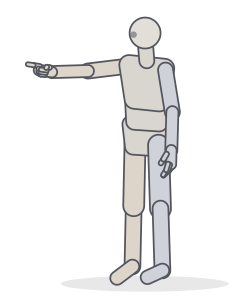 Pointing forwardPointing · Standing
 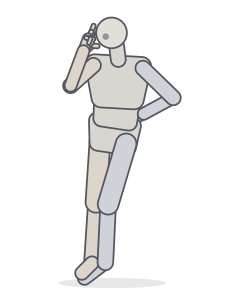 Peace signStanding · Relaxed
 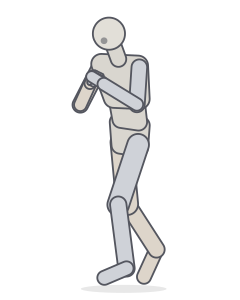 Boxing guardFighting · Punching
 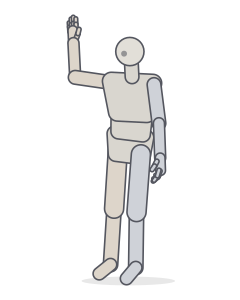 WavingStanding · Relaxed
 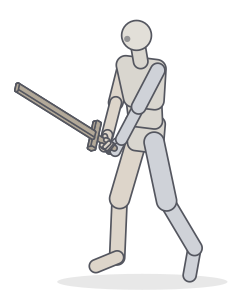 Sword: two-handed guardFighting · Standing
 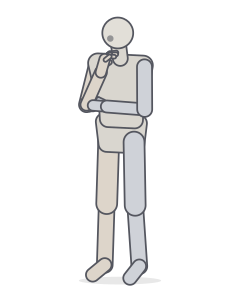 ThinkingStanding · Relaxed
 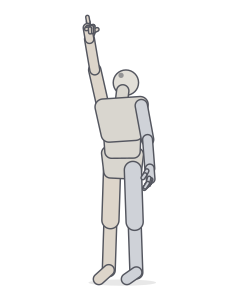 Pointing upPointing · Standing
 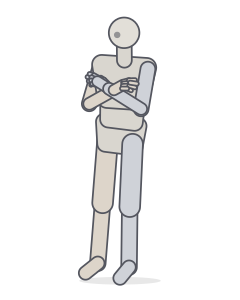 Arms crossedStanding · Relaxed
 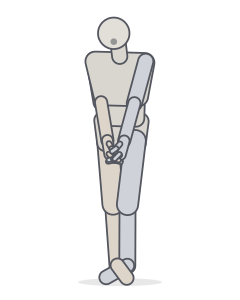 Shy poseStanding · Relaxed
 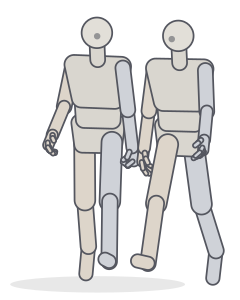 Holding handsTwo people · Walking
 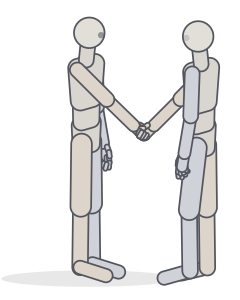 HandshakeTwo people · Standing
 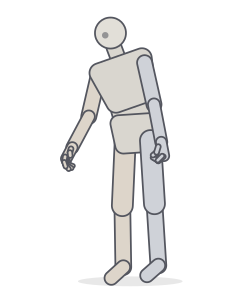 Carrying a heavy bagCarrying · Balance
Eight hand shapes
Each shape is shown on the right hand, from the back of the hand and from the side.


Relaxed
Fingers gently curled, more toward the pinky. The default for hands at rest.
See it in a full pose →

Open
Fingers straight and together: waving, pushing, a flat palm.
See it in a full pose →

Spread
Fingers fanned wide: surprise, excitement, catching balance.
See it in a full pose →

Fist
Fingers folded into the palm, the thumb wraps over the index and middle fingers.
See it in a full pose →

Point
Index extended, the other fingers curled, thumb resting on the middle finger.
See it in a full pose →

Grip
Curled around a handle: swords, bats, rails, cups.
See it in a full pose →

Peace
Index and middle fingers in a V, ring and pinky folded under the thumb.
See it in a full pose →

Cupped
Slightly hollow palm: holding water, resting on a hip, a shy clasp.
See it in a full pose →
Drawing hands that read
- The palm is a box, not a circle. It bends slightly across the knuckles; the fingers start at a curved line, not a straight one.
- The thumb works on its own plane. It sits lower on the palm and rotates toward the fingers. In a fist it wraps over them; in a grip it closes the ring around the handle.
- Fingers curl in arcs. When they close, the tips trace a curve toward the base of the palm, the pinky curling most.
- Foreshortening is the hard part. A finger pointing at you is mostly knuckles and a fingertip. Turn a 3D hand to see how far each segment shrinks.
Frequently asked questions
How do I pose the fingers?
In the Studio, open the Hands panel and pick a shape (fist, point, grip…), then fine-tune curl and spread per finger. You can also select a single finger joint in the 3D view and rotate it.
Can I see a hand from below or from the palm side?
Yes. Orbit the camera around the hand, or press F to frame the selected joint. Turning the hand itself is done by rotating the wrist.
What is the easiest way to draw hands?
Simplify first: a box for the palm, a wedge for the thumb, and the four fingers as one mitten shape. Only then split the fingers. Each finger has three segments, roughly in the ratio 3:2:1.
Keep practising
Make the exact pose you need
Start from any of these poses, then adjust joints, hands, body type and camera in the Studio. Export a PNG, a GIF or AI guide images.