Fighting pose reference
Fighting pose reference: punches, kicks and guards in 3D
Combat poses need believable weight and a clear line of force. Start from a guard, a strike or a two-person exchange, then find the camera angle that sells the impact.
 Front
Front 3/4 front
 Side
Side Back
BackFighting poses
30 poses. Click a pose to see it from every angle, then open it in the 3D Studio to adjust and export it.
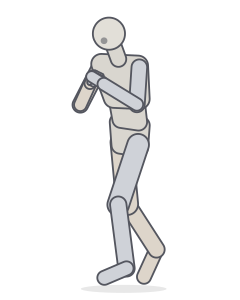 Boxing guardFighting · Punching
 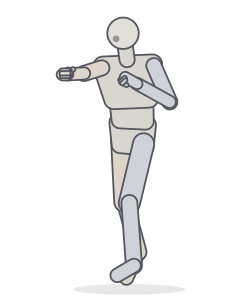 Right crossPunching · Fighting
 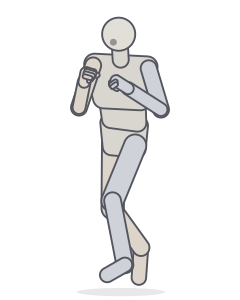 UppercutPunching · Fighting
 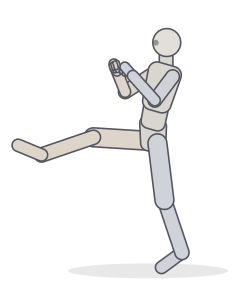 Front kickKicking · Fighting
 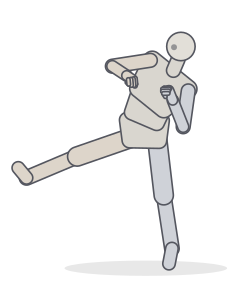 Side kickKicking · Fighting
 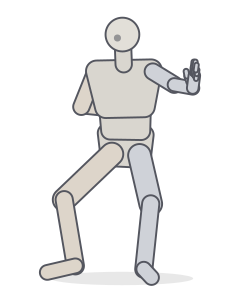 Horse stance strikeFighting · Crouching
 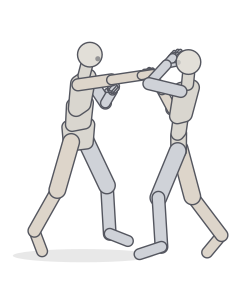 Punch and blockTwo people · Fighting
 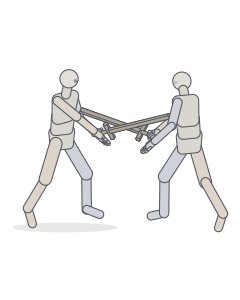 Sword duelTwo people · Fighting
 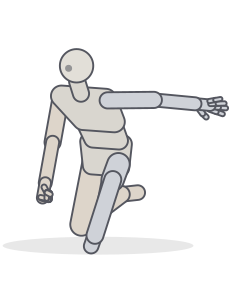 Hero landingKneeling · Crouching
 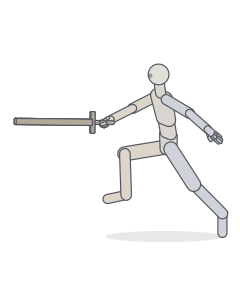 Sword: lunging thrustFighting · Balance
 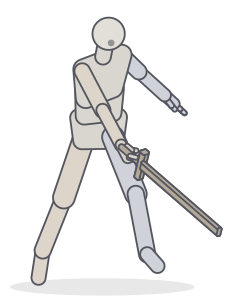 Sword: slash follow-throughFighting
 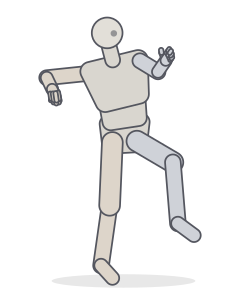 Throwing wind-upBalance · Fighting
 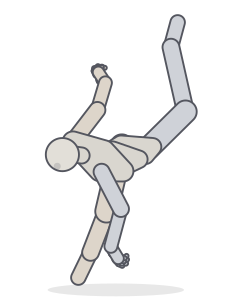 Jump and spin kickMotion capture
 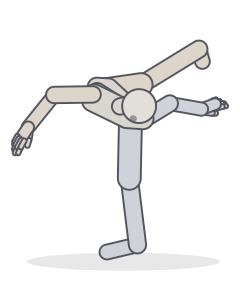 Jump with kick and spinMotion capture
 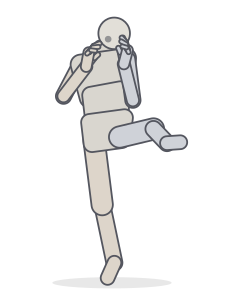 Left Front KickingMotion capture
 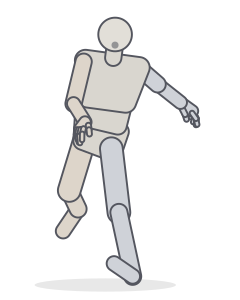 KickMotion capture
 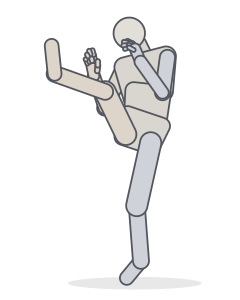 Front KickingMotion capture
 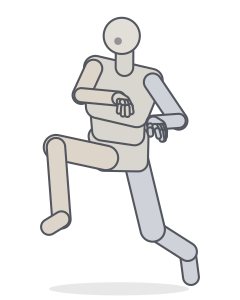 BassaiMotion capture
 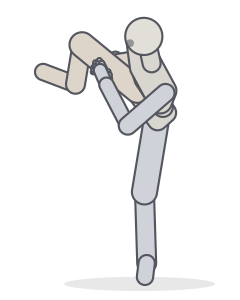 YokogeriMotion capture
 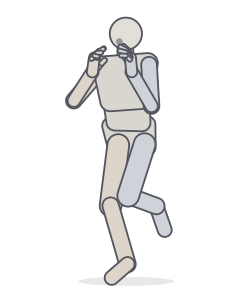 Left Front KickingMotion capture
 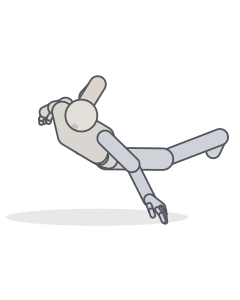 Jump with kick and spinMotion capture
 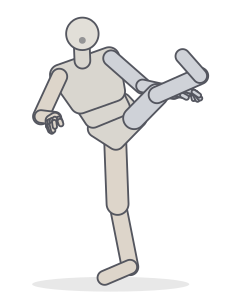 MawashigeriMotion capture
 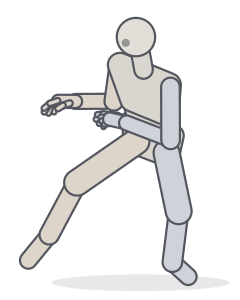 YokogeriMotion capture
 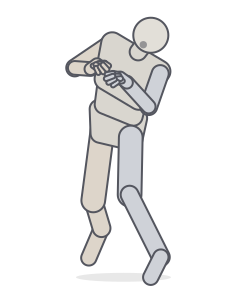 BoxingMotion capture
 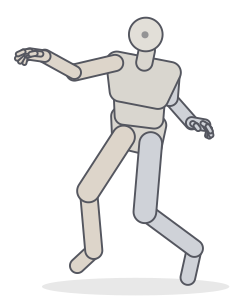 Punch and kickMotion capture
 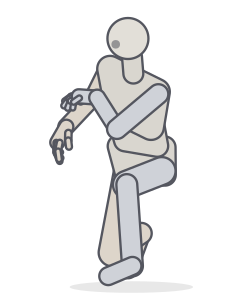 EmpiMotion capture
 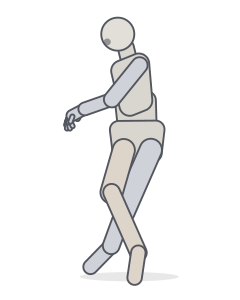 Kick ballMotion capture
 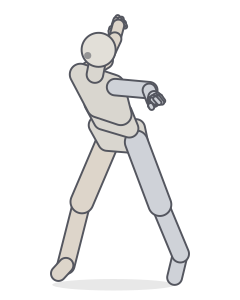 Jump with kick and spinMotion capture
 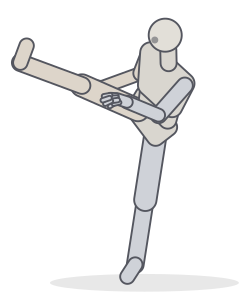 MawashigeriMotion capture
 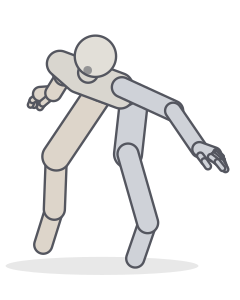 Jump with kick and spinMotion capture
Includes poses derived from the CMU Graphics Lab Motion Capture Database (mocap.cs.cmu.edu), created with funding from NSF EIA-0196217.
Fighting stances
Almost every fighting pose starts from a stance: feet roughly shoulder-width apart, one foot forward, knees soft, hands up. The boxing guard turns the body side-on to protect the centre line; the horse stance drops the hips low and wide for stability.
Strikes: chamber, extension, recoil
- Chamber. The knee or fist is pulled back before the strike. Drawing this moment builds tension.
- Extension. The limb is fully extended and the hips have turned through. This is the classic “impact” frame.
- Recoil. The limb returns along the same path. Useful for sequences and comic panels that show speed.
On the Studio timeline you can key the chamber and the extension and scrub between them to find the frame with the clearest silhouette.
Two fighters
In a two-person fight the contact point tells the story: a fist landing on a raised forearm, blades crossing. The two-person presets place these contact points with inverse kinematics, so they line up from every angle.
Frequently asked questions
How do I make a punch look powerful?
Show the rotation: the rear hip and shoulder turn toward the target and the rear heel lifts. Draw from a low or three-quarter angle and let the fist come slightly toward the camera so it reads larger.
Can I pose two fighters together?
Yes. Start from the “Punch and block” or “Sword duel” presets, or add a second figure in the Studio’s Figures panel and pose each fighter separately.
Are these poses anatomically possible?
Joint limits keep every pose within a realistic range by default. For stylised, exaggerated action you can switch off “Biological constraints” in the Studio.
Keep practising
Make the exact pose you need
Start from any of these poses, then adjust joints, hands, body type and camera in the Studio. Export a PNG, a GIF or AI guide images.